 Any TV Remote
One Remote for Any TV
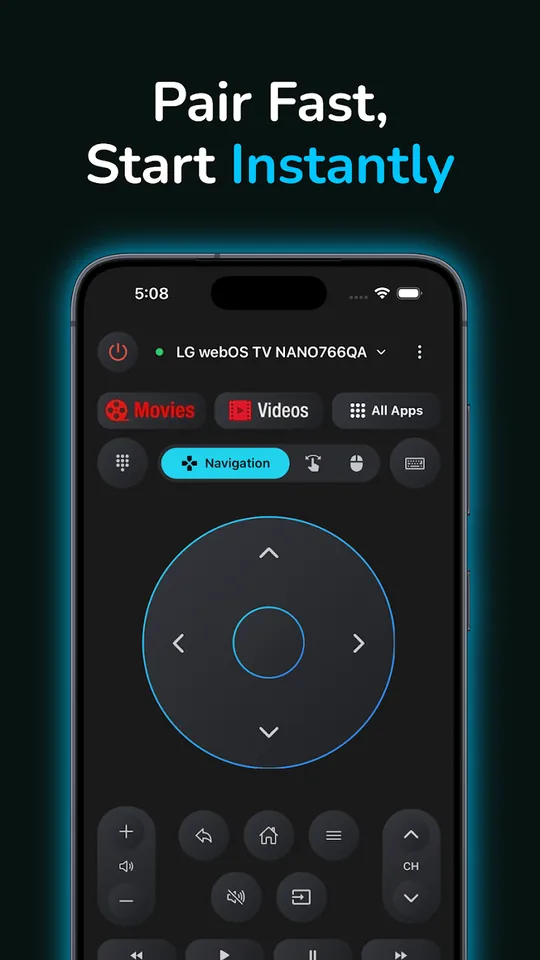
Turn your phone into a universal remote for your Smart TV or TV box — navigate, type, use voice search on Android TV and Google TV, launch apps, switch inputs and cast photos & videos over Wi‑Fi. Free basic controls. No ads.

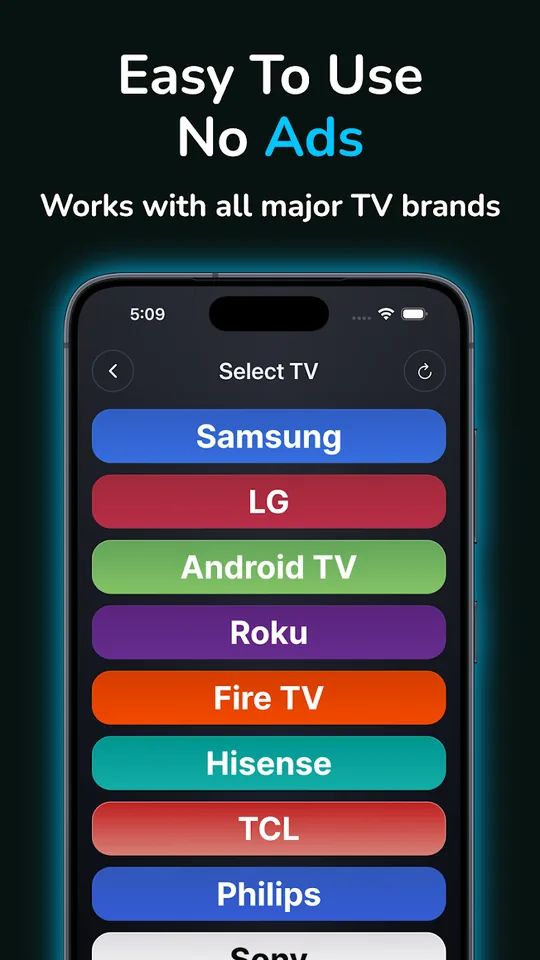
Works with all major TV brands & platforms
- Samsung
- LG
- Sony
- TCL
- Whale
- Hisense
- Philips
- Panasonic
- Sharp
- Vizio
- Vestel
- Roku
- Fire TV
- Android TV
- Google TV
- Apple TV
- VIDAA
Everything a real remote does — and more
Fast pairing, stable connection and every control you need, right on your phone.
D‑Pad Navigation
Classic directional pad with an OK button for precise, familiar menu navigation.
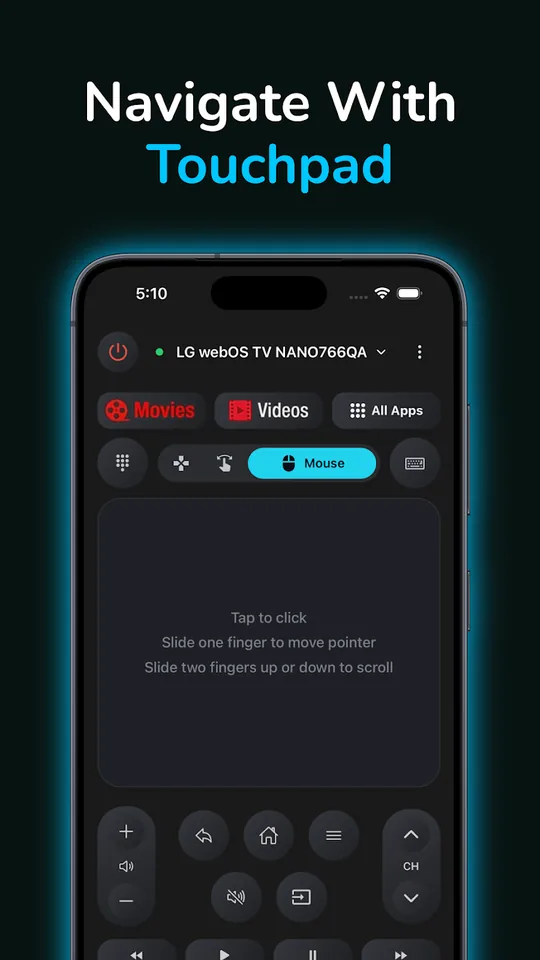
Touchpad & Mouse
PROSlide to move the pointer, tap to click, scroll with two fingers — like a laptop trackpad.
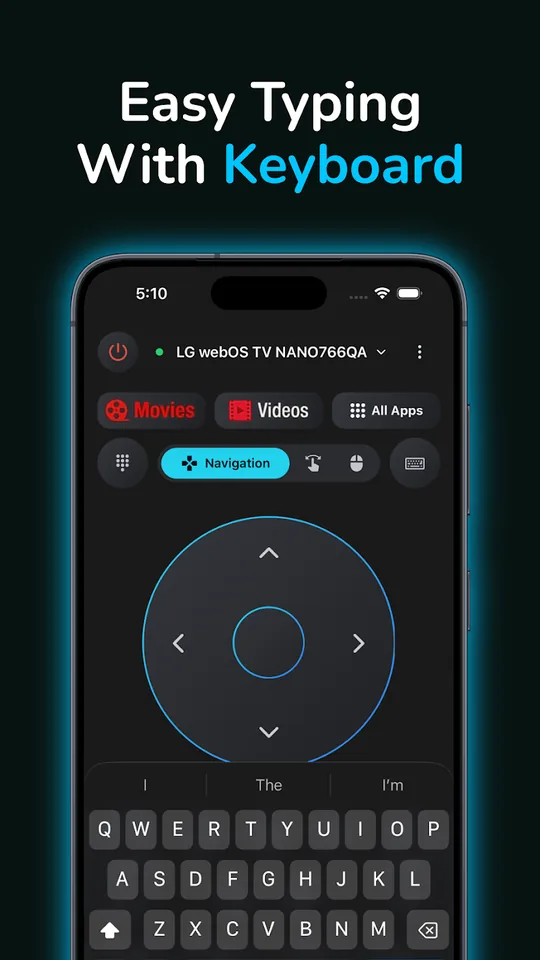
Virtual Keyboard
PROType searches and passwords on your TV in seconds — no more arrow-key hunting.
Voice Search
PROTap the microphone and speak into your phone to search on Android TV and Google TV.
Media & Volume
Play, pause, rewind, channel and volume controls — everything within thumb's reach.
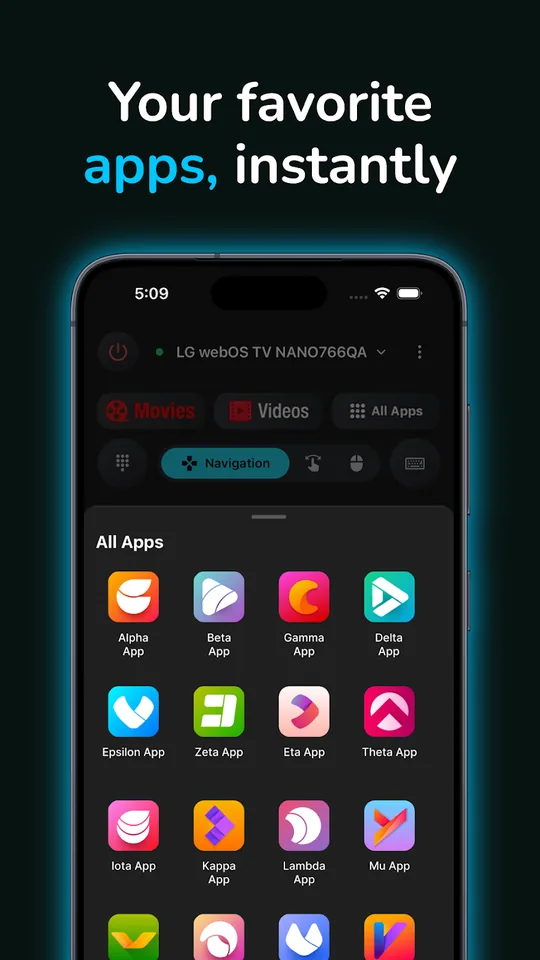
Launch TV Apps
PROOpen Netflix, YouTube and any installed TV app directly from your phone.
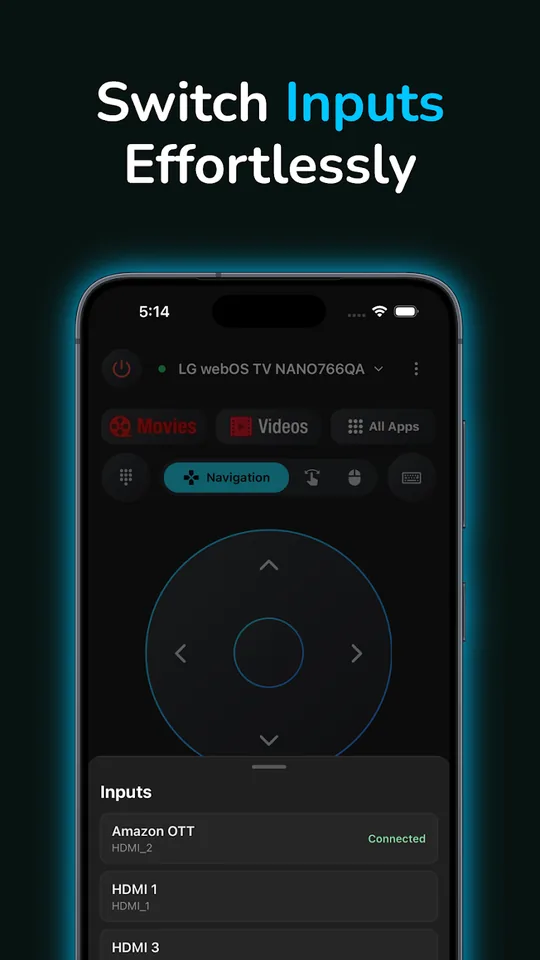
Switch Inputs
Jump between HDMI ports and TV sources without leaving the couch.
Power On & Off
Turn your TV off — and back on — from your phone on supported models.
Cast Photos & Videos
PROStream photos and videos from your phone straight to the big screen on supported devices.
IR Blaster Support
On Android phones with an infrared blaster, control supported TVs even without Wi‑Fi.
See it in action
A clean, intuitive interface designed for everyday TV use.
Set up in under a minute
No account, no hub, no extra hardware.
Join the same Wi‑Fi
Make sure your phone and your TV are connected to the same Wi‑Fi network.
Pick your TV
Open the app — it discovers TVs and TV boxes on your network automatically. Tap yours to pair.
Start controlling
Navigate, type, launch apps and cast — instantly, with a fast and stable connection.
Free to use. Pro when you want more.
Basic remote controls are completely free — with no ads. Upgrade to Pro to unlock the full experience.
Download FreePro is an optional auto-renewing subscription billed through the App Store or Google Play. Cancel anytime. See our Terms of Service.
Frequently asked questions
Which TV brands does the app work with?
Any TV Remote Control works with Samsung, LG, Sony, TCL, Whale, Hisense, Philips, Panasonic, Sharp, Vestel and Vizio Smart TVs, plus Roku, Amazon Fire TV and Fire Stick, Android TV, Google TV, Apple TV and VIDAA devices.
Is the app free?
Yes. Basic remote controls are free and the app shows no ads. An optional Pro subscription unlocks premium features: unlimited TVs and TV boxes, voice search on Android TV and Google TV, the advanced TV keyboard, mouse navigation, app launching and photo & video casting.
How does the app connect to my TV?
Your phone and TV need to be on the same Wi‑Fi network. Open the app, pick your TV from the list of discovered devices, confirm pairing on the TV if asked, and start controlling it right away. On Android phones with a built-in IR blaster, you can also control supported TVs via infrared.
Can I turn on my TV from the app?
Yes, on supported models. Many Smart TVs support Wake-on-LAN or Wake-on-Wireless, which lets the app power the TV back on. Power-off works on virtually all supported TVs.
Can I type on my TV with the app?
Yes. The built-in virtual keyboard lets you type searches and passwords on your TV much faster than clicking through an on-screen keyboard with arrow keys.
Can I use voice search on Android TV?
Yes. On supported Android TV and Google TV devices, tap the microphone button and speak into your phone to search the TV. Voice search is a Pro feature and requires microphone access.
Does the app need Bluetooth or the internet?
No Bluetooth is required. The app talks to your TV directly over your local Wi‑Fi network — and via infrared on Android phones that have an IR blaster.
Never hunt for the remote again
Download Any TV Remote Control — free, no ads, ready in seconds.